AI Writing Assistants vs Voice Dictation: Which Makes You Faster?
TalkWriter Team · Product
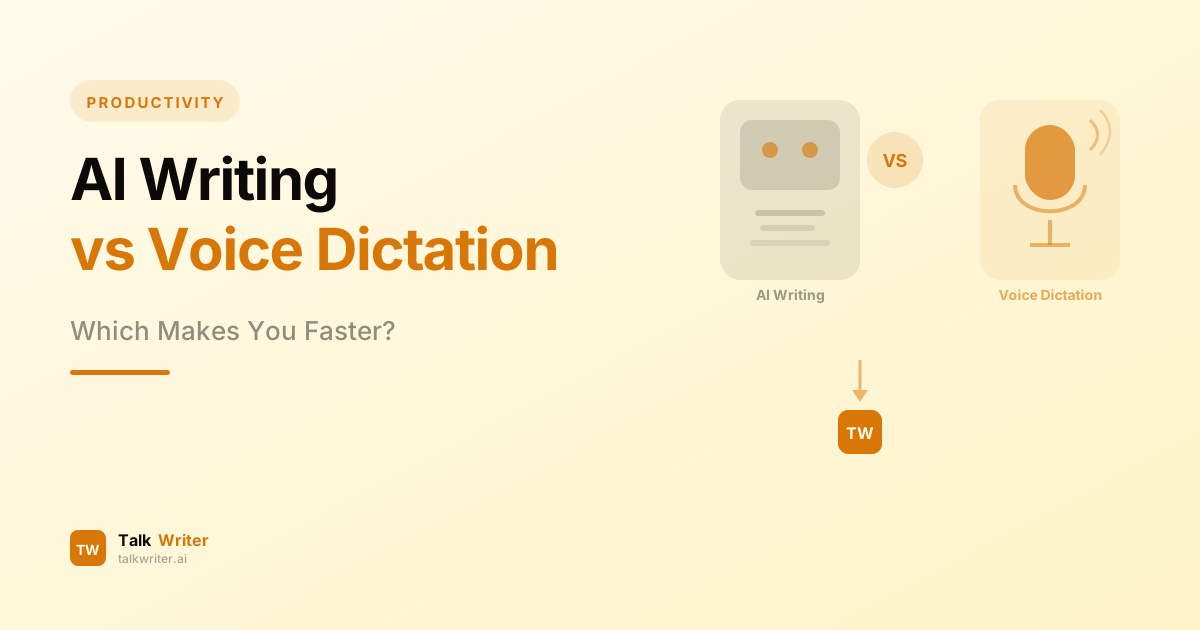
Everyone wants to write faster. You've probably tried both routes: letting an AI tool generate a draft for you, or speaking your thoughts aloud and letting your voice do the typing. Both promise to supercharge your writing productivity — but they do it in completely different ways, and they're not equally effective for every task.
The ai writing assistant category has exploded in the past two years. ChatGPT, Claude, Jasper, Rytr — there's no shortage of tools that will generate content based on a prompt. Meanwhile, voice dictation has quietly become one of the most underrated productivity tools for Mac users, letting you compose text at 150 words per minute rather than the 40–60 WPM most people type.
So which one actually makes you faster? The answer — like most things in productivity — depends on what you're trying to do. This guide breaks down both approaches, when each excels, where each falls short, and why the most productive writers in 2026 are using both together.
What Is an AI Writing Assistant?
An AI writing assistant is a tool that generates text based on a prompt you provide. You describe what you want — a blog intro, an email reply, a product description — and the AI drafts it for you. The best tools in this category include:
- ChatGPT (OpenAI, $20/month for Plus): Most versatile, great for brainstorming and first drafts
- Claude (Anthropic, free + Pro tiers): Best raw prose quality, excellent for long-form content
- Jasper AI: Built for marketing teams, with brand voice training and SEO integrations
- Rytr: Budget-friendly option at $9/month, good for shorter content
- Grammarly: Best for editing and polishing existing writing
These tools don't just write — they think. They can maintain context across a long document, adjust tone, restructure arguments, and produce content in a format you specify. The key input is text-based: you type a prompt, and the AI writes back.
The catch: you still have to type (or dictate) the prompt. And for complex content — anything requiring personal experience, nuanced opinion, or domain-specific depth — AI-generated drafts require significant editing before they're usable.
What Is Voice Dictation?
Voice dictation is a different beast entirely. Instead of generating content, it transcribes your spoken words into text in real time. You speak, it types. No prompting, no generation, no waiting — your thoughts flow directly from your brain to the screen.
The average person types 40–60 WPM. The average person speaks at 130–170 WPM. That's a 3–4x speed difference for the same cognitive effort. A Stanford University study confirmed that speech input is 3x faster than keyboard input for English text entry, with a 20% lower error rate.
Modern AI-powered dictation tools go beyond simple transcription. They add automatic punctuation, filter background noise, recognize accents, and adapt to your writing style and vocabulary over time. Apps like TalkWriter use OpenAI's Whisper model to deliver near-human transcription accuracy across 100+ languages.
The key difference from AI writing assistants: the content comes from you. Your ideas, your voice, your words — just captured faster. This preserves authenticity and ensures accuracy in a way that AI generation can't.
AI Writing Assistant vs Voice Dictation: Speed Comparison
Let's look at real numbers.
Typing a 1,000-word article from scratch
| Method | Input Speed | Time to Draft | Notes |
|---|---|---|---|
| Typing | 40–60 WPM | 17–25 min | Average knowledge worker |
| Voice dictation | 130–170 WPM | 6–8 min | 3x speed advantage |
| AI generation | Instant output | 2–5 min | Significant editing required |
| AI generation + editing | Variable | 15–30 min | Editing AI content takes time |
On raw speed, AI generation wins for the initial output — you get 1,000 words in seconds. But those words often need heavy editing. The final time-to-publishable-draft frequently ends up comparable to or longer than voice dictation, because AI content lacks your personal voice, accurate facts, and nuanced opinion.
Voice dictation wins for content that needs to sound like you and be accurate — emails, blog posts with personal perspective, meeting notes, reports based on your knowledge.
Drafting a complex email
Voice dictation is the clear winner here. You know what you want to say. Dictating it takes 30 seconds. Typing it takes 2 minutes. Prompting an AI, reviewing the output, adjusting tone, and editing for accuracy? That often takes 3–5 minutes — and the result still sounds generic.
McKinsey research found that knowledge workers spend 28% of their workweek — over 11 hours — managing emails and communications. Switching to voice dictation for email alone can cut that to around 6 hours, giving you nearly a full workday back each week.
Writing long-form SEO content
Here, the comparison shifts. For a 3,000-word blog post, an AI writing assistant can generate a structured draft faster than you can dictate one. The challenge is that AI-generated content tends to be generic, repetitive, and missing the real-world depth that actually ranks. You'll spend significant time injecting real data, personal insights, and original examples.
A practical hybrid approach: dictate your outline and key points, then use an AI assistant to expand sections, and dictate your own intros, conclusions, and expert commentary. This combines the speed of both tools.
When AI Writing Assistants Win
AI writing assistants have genuine advantages in specific scenarios:
1. Content at Scale
If you need 50 product descriptions, 20 social media posts, or a series of templated emails, AI tools shine. Jasper's "Content Pipelines" automate entire workflows from idea to final draft. ChatGPT's custom GPT projects let you train specialized versions for specific content types. Scale without proportional effort is where AI tools offer their most compelling value.
2. Brainstorming and Exploration
When you have a vague idea and want to explore multiple angles before committing, ChatGPT's conversational flow is ideal. You can ask for five different outlines, compare approaches, and iterate without committing keystrokes. This is genuinely faster than dictating exploratory notes.
3. Brand Voice Consistency for Teams
Jasper AI's brand voice training means every team member produces content that sounds consistent, even across different writers. This is impossible to achieve with voice dictation alone, where output quality varies by individual.
4. Editing and Polishing
Tools like Grammarly and Claude excel at taking rough text and refining it — improving clarity, fixing grammar, adjusting reading level. For the editing stage (as opposed to drafting), AI assistants add real value.
5. Tasks That Require Research Synthesis
When you need to summarize a long document, extract key points from a PDF, or synthesize information from multiple sources, AI tools save enormous time. These are tasks where generating text — rather than transcribing it — is the right tool.
When Voice Dictation Wins
Voice dictation outperforms AI writing assistants in a different set of scenarios:
1. Authentic First-Person Content
Blog posts, LinkedIn articles, personal emails, performance reviews, cover letters — any content that needs to sound like you is where voice dictation excels. AI-generated content has a recognizable homogeneity that readers increasingly detect. Your voice, captured via dictation, is unique.
2. Speed for Knowledgeable Writers
If you know what you want to say — because you have domain expertise, personal experience, or a clear opinion — dictation is dramatically faster than any other method. You're not waiting for AI output or editing generic text. You're producing original content at speaking speed.
3. Technical and Factual Accuracy
AI writing assistants hallucinate. They invent statistics, misquote studies, and get product details wrong. Any content requiring factual accuracy needs human input — and voice dictation captures your accurate knowledge directly. For legal documents, medical notes, technical documentation, or research summaries, dictation is far safer.
4. Real-Time Note-Taking and Transcription
Meeting notes, lecture capture, voice memos, interview transcriptions — these are pure dictation use cases. AI writing tools don't help here at all. For this, a voice dictation tool is the only real option.
5. Accessibility and Ergonomics
For users with RSI, carpal tunnel, or other conditions that make typing painful, voice dictation is more than a productivity hack — it's essential. Speaking instead of typing removes a significant physical barrier that no AI writing assistant can substitute for.
6. High-Volume Writers
Professional writers, journalists, and authors who produce thousands of words daily find that their output is primarily limited by input speed. Dictating at 150 WPM versus typing at 60 WPM can mean 6,000 extra words per day — the difference between writing a chapter a day and writing a chapter a week.
The Numbers: How Much Time Can You Actually Save?
Based on real-world data:
- Dictating 1,000 words: ~7 minutes at 150 WPM (vs. 22 minutes typing)
- Daily email volume: Cutting 5 hours per week down to ~2.5 hours
- Annual savings for a prolific writer: 260+ hours per year, or 6+ full work weeks
- Physician efficiency: Switching to dictation saves an average of 7 hours per week
For AI writing assistants, the savings look different:
- Generating 50 product descriptions: A few minutes vs. hours of manual writing
- Creating a first-draft outline for a complex piece: 30 seconds vs. 15 minutes
- Editing a rough draft: Potentially cutting revision time by 50%
Neither tool's productivity claim is false — they just apply to different tasks.
The Real Winner: Using Both Together
Here's the productivity insight that most guides miss: these tools aren't competing; they're complementary.
In 2026, the most effective writing workflows combine voice dictation with AI assistance:
Step 1 — Dictate your raw thoughts Use TalkWriter or similar to speak your ideas, outline, and key arguments. At 150 WPM, you generate 1,000 words of raw material in 7 minutes. This is authentic, accurate, and in your voice.
Step 2 — Let AI expand and polish Feed your dictated outline to Claude or ChatGPT to expand underdeveloped sections, improve transitions, and sharpen clarity. The AI is working from your ideas, not generating content from scratch — which means the result is far more accurate and personal.
Step 3 — Dictate final edits and commentary Read the AI-enhanced draft aloud, dictate corrections, additions, and the sections that need your personal voice (intro, conclusion, expert commentary). Final pass: fast, accurate, authentic.
This three-step hybrid workflow combines the authenticity of voice dictation with the structural efficiency of AI assistance — and consistently outperforms either tool used in isolation.
Many power users also use voice dictation to interact with AI tools — dictating their prompts rather than typing them. When crafting detailed AI prompts that explain context, constraints, and desired output format, speaking is 3–4x faster than typing. Tools like TalkWriter work system-wide, so you can dictate directly into ChatGPT, Claude, or any AI interface.
Pricing Comparison
AI Writing Assistants
- ChatGPT Plus: $20/month (most versatile)
- Claude Pro: $20/month (best prose quality)
- Jasper AI: $39+/month per user (marketing focus)
- Rytr: $9/month (budget option)
- Grammarly Pro: $12/month (editing focus)
Voice Dictation Tools
- Apple Dictation: Free (built-in, limited — see our comparison)
- TalkWriter: Paid app, one-time purchase, no subscription
- Google Docs Voice Typing: Free (browser-based, limited)
- Wispr Flow: Subscription-based
For most Mac users looking to maximize writing productivity, the most cost-effective starting point is a dedicated dictation app like TalkWriter combined with a free or entry-level AI writing assistant.
Which One Should You Choose First?
If you're deciding where to invest your time and money, here's a practical framework:
Start with voice dictation if:
- You write content that must sound like you (emails, blog posts, social content)
- You have domain expertise and know what you want to say
- You're a high-volume writer producing 1,000+ words per day
- You type for extended periods and experience physical fatigue or discomfort
- You want to improve speed without changing your thinking process
Start with an AI writing assistant if:
- You produce high volumes of templated or structured content (marketing copy, product descriptions)
- You need to generate content outside your area of expertise
- Your bottleneck is ideas, not input speed
- You work in a team that needs content consistency
Use both if:
- You're a professional writer, blogger, or content marketer
- You want to maximize output while maintaining quality and authenticity
- You spend significant time on emails and communications
- You're already using AI tools but haven't tried voice input for prompting them
FAQ: AI Writing Tools vs Voice Dictation
Is voice dictation faster than using an AI writing assistant?
For first-person, authentic content that requires your knowledge and voice, yes — voice dictation is faster because you eliminate the prompting, generation, and editing cycle. For templated or scalable content creation, AI writing assistants can produce more volume, though editing time offsets the speed advantage.
Can I use voice dictation with AI writing tools?
Absolutely. Tools like TalkWriter work system-wide on Mac, meaning you can dictate directly into ChatGPT, Claude, Jasper, or any AI interface. This is one of the highest-value combinations: you speak your prompt at 150 WPM rather than typing it at 40–60 WPM, then get AI-generated content to build on.
Do AI writing assistants replace the need for dictation?
No. AI writing assistants generate content based on prompts — they don't remove the need to input your thoughts. Voice dictation is an input method; AI generation is an output method. They solve different problems and work best together.
How accurate is modern voice dictation?
With tools powered by OpenAI's Whisper model, modern voice dictation achieves 98%+ accuracy for clear speech in optimal conditions. After a short adaptation period (typically 2–4 weeks of regular use), most users find accuracy good enough to dictate without reviewing every sentence. Our ultimate guide to voice to text on Mac has specific tips for getting to that level.
Which AI writing assistant works best with voice dictation?
Any text-based AI tool works with system-wide dictation. Claude and ChatGPT are particularly effective because their conversational interfaces accept detailed, nuanced prompts — which you can now dictate at speaking speed. Jasper's integration with voice input (via OS-level dictation) also works well for marketing teams.
The Bottom Line
AI writing assistants and voice dictation are not competitors — they're different layers of the same productivity stack.
Voice dictation gives you speed of input: capturing your thoughts, knowledge, and ideas at the pace you speak rather than the pace you type. AI writing assistants give you speed of expansion: building on those ideas, generating structured content, and polishing output.
Used together, they create a writing workflow that's both fast and authentic — the combination that most closely mirrors how expert writers think and produce.
If you haven't tried voice dictation yet, that's the first move. Most people are shocked at how much faster they can communicate their ideas when they're not bottlenecked by typing speed. Try TalkWriter for free and dictate your first 1,000 words in under 10 minutes.
Once you've made voice your primary input method, adding an AI assistant on top becomes the logical next step — and suddenly you have a writing workflow that the majority of knowledge workers haven't even imagined yet.
Related Articles
Best Voice Dictation Apps for Mac in 2026: The Definitive Comparison
We compared the top 8 voice dictation apps for Mac — from AI-powered tools to built-in options. Find out which one helps you write 5x faster.
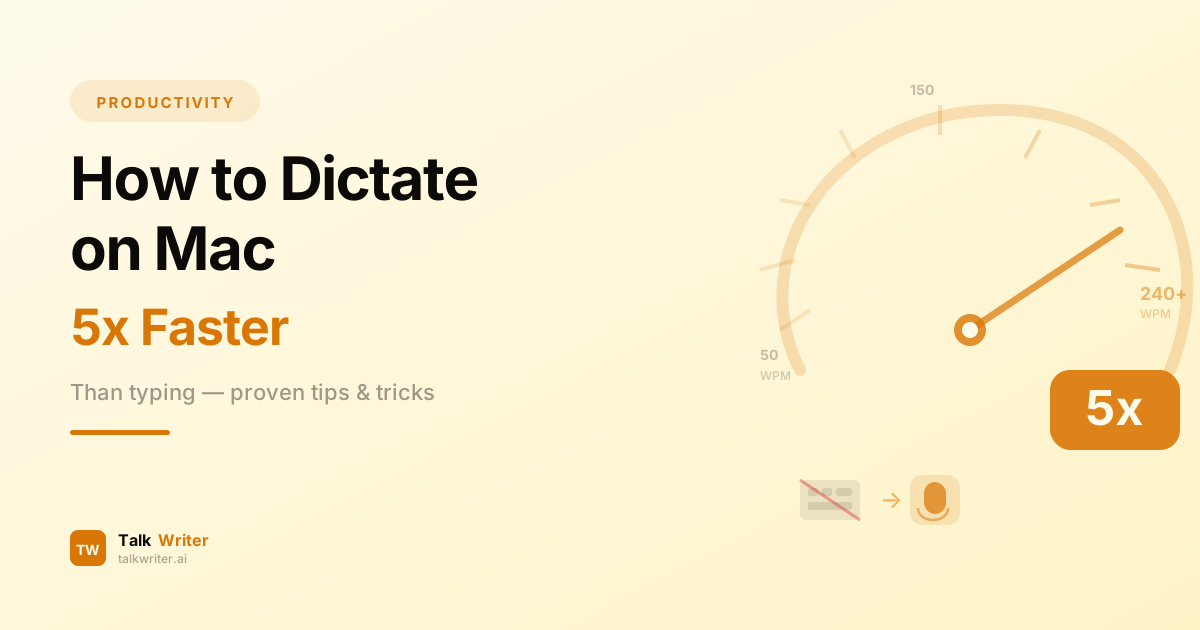
How to Dictate on Mac 5x Faster Than Typing
Learn how to dictate on Mac and write up to 5x faster than typing. Step-by-step setup guide, accuracy tips, and practical exercises to master voice typing.
Voice to Text on Mac: The Ultimate Guide (2026)
Learn how to use voice to text on Mac like a pro. This complete guide covers setup, tips, voice commands, and the best tools for fast, accurate dictation in 2026.