Speech to Text Software: 10 Best Options Compared (2026)
TalkWriter Team · Product
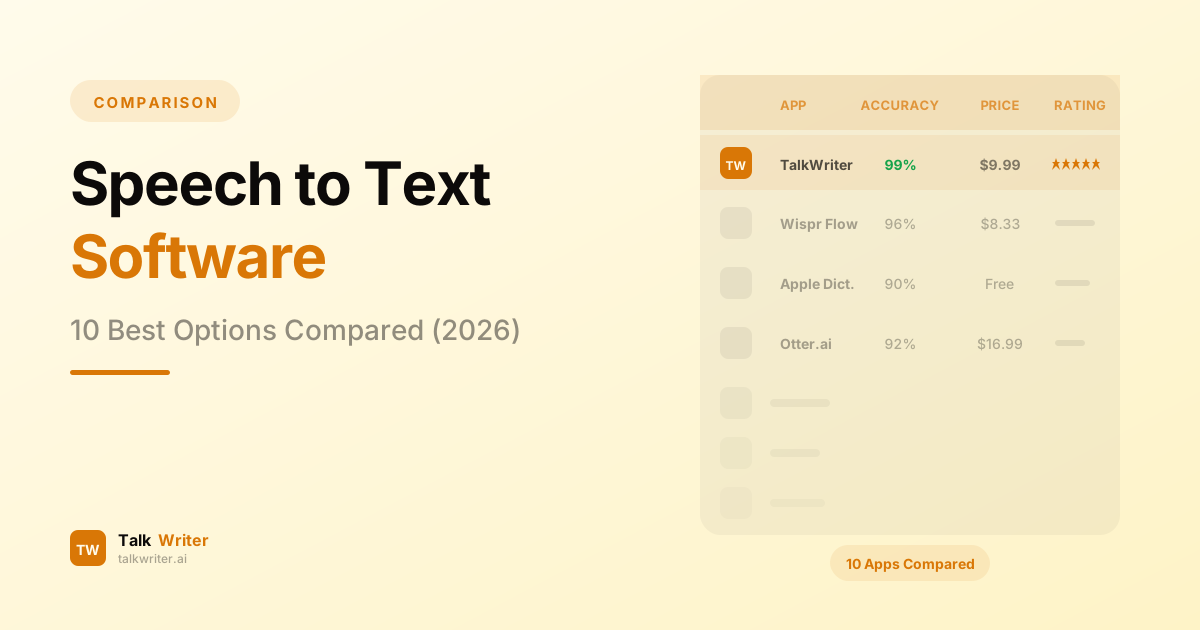
Speech to text software has come a long way. What used to be a frustrating exercise in correcting garbled output is now a genuine productivity multiplier. The best voice recognition software in 2026 can transcribe your words with over 97% accuracy, add punctuation automatically, and even reformat your sentences for clarity.
But with so many STT tools on the market — from free built-in options to premium AI-powered platforms — choosing the right one can be overwhelming. Some are built for real-time dictation, others for transcribing recorded audio. Some run locally on your device, while others send everything to the cloud.
We tested and compared 10 of the best speech recognition tools available in 2026 to help you find the right fit. Whether you need a system-wide dictation app for daily writing, a meeting transcription service, or a developer-friendly API, this guide covers it all.
What to Look for in Speech to Text Software
Before diving into individual tools, here are the key factors we evaluated:
- Accuracy — How reliably does the software convert speech to text, especially with technical terms, accents, and background noise?
- Speed — Does transcription happen in real time, or do you upload audio and wait?
- Platform support — Does it work on Mac, Windows, mobile, or in the browser?
- Privacy — Is your audio processed locally or sent to cloud servers?
- Integration — Can you dictate directly into any app, or is it limited to specific environments?
- Pricing — Is there a free tier? How does the paid plan compare to alternatives?
- Language support — How many languages are supported, and how accurate are non-English results?
With those criteria in mind, here are the 10 best speech to text software options in 2026, ranked by overall value and usability.
1. TalkWriter — Best Speech to Text Software for Mac
Rating: 9.5/10
Price: Free (2,000 words/week) | Pro $12/month (unlimited)
TalkWriter is a native macOS dictation app built for speed and simplicity. It works system-wide — in every text field, across every app — and uses AI-powered formatting to deliver clean, ready-to-use text from your voice.
Key Features
- System-wide dictation — works in Mail, Slack, VS Code, Chrome, Pages, and any text field on your Mac
- AI formatting — automatic punctuation, capitalization, and paragraph structuring
- 90+ languages — broad multilingual support with strong accuracy across major languages
- Real-time transcription — words appear as you speak with minimal latency
- Smart context awareness — handles technical jargon, proper nouns, and domain-specific vocabulary
- Privacy-first design — local processing where possible
Pros
- Native Mac app with deep macOS integration
- Clean, minimal interface
- Generous free tier (2,000 words/week)
- Dictation speeds of 240+ WPM
- Offline dictation support for basic use
Cons
- Mac only (iOS, Windows, and Android coming soon)
- Pro plan required for unlimited usage
Best for: Mac users who want the fastest, most polished speech to text experience that works everywhere on their system.
2. Wispr Flow — Best for Developers
Rating: 8.5/10
Price: Free (2,000 words/week) | Pro $15/month ($144/year) | Student $10/month
Wispr Flow is a well-funded voice recognition software startup that has raised $81 million and expanded to Mac, Windows, iOS, and Android. It uses cloud-based AI for transcription and offers strong developer-focused features.
Key Features
- Cross-platform support (Mac, Windows, iOS, Android)
- AI auto-formatting with filler word removal
- Self-correction (say "actually, no" to revise mid-sentence)
- Command Mode for text editing via voice ("make this more formal")
- Whisper Mode for quiet environments
- Coding IDE integrations with Cursor, Windsurf, and Replit
- 100+ languages with on-the-fly switching
- SOC 2 Type II and HIPAA compliant
Pros
- Polished interface with strong AI editing
- 97.2% transcription accuracy in independent testing
- Developer-friendly features for coding workflows
- Active development and multi-platform support
Cons
- Requires constant internet connection — all processing is cloud-based
- More expensive Pro plan at $15/month
- Standard plan retains voice data for 30 days
- Higher resource usage (~800MB memory, ~8% CPU)
Best for: Developers and cross-platform users who want AI-powered dictation and do not mind cloud processing.
3. Apple Dictation — Best Free Speech to Text
Rating: 7.5/10
Price: Free (built into macOS)
Every Mac ships with speech recognition built in. On Apple Silicon Macs, dictation runs entirely on-device, providing complete privacy with no internet required. Apple has steadily improved accuracy over recent macOS releases, making it a solid free option for casual use.
Key Features
- Built into macOS — no installation needed
- On-device processing on Apple Silicon (M1 and later)
- Auto-punctuation in supported languages
- Voice commands for basic editing ("new paragraph," "select word")
- 40+ language support
- Simultaneous typing and dictation on Apple Silicon
Pros
- Completely free with no word limits
- Strong privacy with on-device processing
- No setup or account required
- Decent accuracy (~90-92%) for everyday use
Cons
- Stops automatically after 30 seconds of silence
- No AI rewriting or smart formatting
- Accuracy drops significantly with background noise or technical terms
- No custom vocabulary support
- Inconsistent behavior across different apps
- Limited voice command set compared to dedicated tools
Best for: Casual users who want free, private speech to text without installing anything.
4. Google Docs Voice Typing — Best Browser-Based Option
Rating: 7.0/10
Price: Free (requires Google account)
Google Docs Voice Typing is a free speech to text tool built into Google Docs. It works directly in the Chrome browser, supports voice commands for formatting and editing, and benefits from Google's speech recognition engine.
Key Features
- Built into Google Docs — no extension needed
- Voice commands for formatting (bold, italic, headings, text color)
- Supports editing commands ("select paragraph," "delete sentence")
- Works with Google Docs and Google Slides
- Available via Ctrl+Shift+S (Windows) or Cmd+Shift+S (Mac)
Pros
- Completely free with no usage limits
- Decent accuracy (~90-95%) for clear speech
- Rich set of voice-based formatting commands
- No installation required
Cons
- Only works in Chrome or Chromium-based browsers
- Limited to Google Docs and Slides — cannot dictate into other apps
- No auto-punctuation by default — you must say "comma" and "period"
- Desktop only — mobile uses the phone's native keyboard dictation
- Audio processed via cloud (browser controls speech service)
Best for: Google Docs users who want free voice typing without leaving the browser.
5. Otter.ai — Best for Meeting Transcription
Rating: 8.0/10
Price: Free (300 min/month) | Pro $16.99/month ($8.33/month annual) | Business $30/user/month
Otter.ai is primarily a meeting transcription platform, not a real-time dictation tool. It excels at recording conversations, identifying speakers, and generating AI summaries — making it a top pick for professionals who attend a lot of meetings.
Key Features
- Real-time meeting transcription with speaker identification
- AI-generated summaries and action items
- Integrations with Zoom, Google Meet, and Microsoft Teams
- OtterPilot joins meetings automatically to take notes
- Searchable transcript archive
- Filler word removal
- Export to TXT, DOCX, PDF, or SRT
Pros
- Excellent speaker diarization for multi-person conversations
- Strong meeting-focused AI features
- Good free tier (300 minutes/month)
- Integrates with major video conferencing tools
Cons
- Not a dictation tool — cannot type into apps for you
- Limited to English, Spanish, and French
- Browser and cloud-based — no native Mac app for system-wide use
- No rollover of unused minutes
- Subscriptions are non-refundable
Best for: Professionals who need meeting transcription, speaker identification, and AI summaries.
6. Rev — Best for Professional Audio Transcription
Rating: 7.5/10
Price: Free (45 min/month) | AI transcription $0.25/min | Human transcription $1.99/min
Rev offers both AI-powered and human transcription services. Their network of 14,000+ human transcriptionists can deliver 99% accuracy for critical projects, while their AI engine handles routine work at a fraction of the cost.
Key Features
- AI transcription (95% accuracy) and human transcription (99% accuracy)
- Caption and subtitle generation in 17 languages
- AI-powered legal analysis for depositions
- Rev.ai API with streaming and async speech to text
- Mobile app for on-the-go recording and dictation
- HIPAA compliant
Pros
- Industry-leading accuracy with human transcription
- Strong legal and compliance focus
- Good API for developers (Rev.ai)
- Free tier available (45 minutes/month)
Cons
- Not real-time dictation — upload audio and wait for results
- Human transcription is expensive ($1.99/min, ~$120/hour)
- Not designed for writing into apps
- No native desktop app for system-wide voice recognition
Best for: Legal professionals, podcasters, and content creators who need accurate transcription of recorded audio.
7. Descript — Best for Content Creators
Rating: 8.0/10
Price: Free (1 hr transcription) | Hobbyist $16/month | Creator $24/month | Business $50/month
Descript is a multimedia editing platform that uses speech to text as the foundation for text-based audio and video editing. You edit your transcript, and Descript edits the underlying media to match — a fundamentally different approach to content production.
Key Features
- Text-based audio and video editing — delete words from the transcript to remove them from the media
- Overdub voice cloning — type corrections and hear them in your own voice
- AI-powered filler word removal and Studio Sound enhancement
- Multi-track transcription with speaker labeling
- Transcription glossary for custom vocabulary
- 25 language support
- Export to multiple formats
Pros
- Unique text-based editing workflow
- Overdub voice cloning is genuinely useful for fixing mistakes
- Good transcription accuracy for content workflows
- Strong collaboration features on Business plan
Cons
- Not a dictation tool — designed for editing recorded media
- Transcription hours are capped on every plan
- Struggles with names, technical terms, and heavy accents
- Expensive for transcription-only use
- Advanced features locked behind higher tiers
Best for: Podcasters, video creators, and media professionals who want to edit audio and video through text.
8. OpenAI Whisper — Best Open-Source STT
Rating: 8.0/10
Price: Free (open source) | API: $0.006/minute
OpenAI Whisper is the open-source speech recognition model that powers many of the other tools on this list. Trained on 680,000 hours of multilingual data, it delivers strong accuracy across 99 languages and is available for anyone to run locally.
Key Features
- Open-source under MIT License — free to use and modify
- 99 language support with translation to English
- Multiple model sizes (tiny, base, small, medium, large)
- Whisper Large V3 Turbo offers 6x faster inference
- Can run fully offline on local hardware
- Available as an API through OpenAI ($0.006/min)
Pros
- Free and open source with no usage limits
- Strong accuracy (~98% on clean audio with large models)
- Runs locally for complete privacy
- Powers many commercial STT products
- Active community and ecosystem
Cons
- Not a consumer product — requires technical setup
- No GUI or app — command-line interface only
- No real-time dictation support out of the box
- Large models require significant GPU resources
- Hallucinations can occur, affecting roughly 8 in 10 transcriptions on noisy audio
- No speaker diarization without additional tools
Best for: Developers and technical users who want a free, customizable speech recognition engine they can run locally.
9. SuperWhisper — Best for Privacy
Rating: 8.0/10
Price: Free trial | Pro $8.49/month ($84.99/year) | Lifetime $249
SuperWhisper is a Mac dictation app built on OpenAI's Whisper model that runs 100% on-device. Your voice data never leaves your Mac, making it the strongest privacy option among dedicated speech to text tools.
Key Features
- Fully on-device processing using Whisper AI models
- Custom Modes for different tasks (messages, documents, coding)
- Custom vocabulary support for specialized terms
- System-wide dictation across all Mac apps
- 100+ languages with translation to English
- Audio and video file transcription
- Built-in meeting recording
- Cross-platform license (Mac, Windows, iPhone, iPad)
Pros
- Strongest privacy — voice data never leaves your device
- Lifetime purchase option ($249) for long-term value
- Good accuracy with larger Whisper models
- Active development with recent Nvidia Parakeet model support
Cons
- Best performance requires Apple Silicon
- Larger models demand significant CPU and GPU resources
- Smaller (faster) models sacrifice accuracy noticeably
- Less polished UI compared to commercial alternatives
- BYOK required for cloud AI features
Best for: Privacy-conscious professionals who need guaranteed offline voice recognition with no cloud dependencies.
10. Windows Speech Recognition — Best Built-in Windows Option
Rating: 6.5/10
Price: Free (built into Windows)
Windows offers two built-in speech to text tools: Voice Typing (Win+H) for quick dictation and Voice Access for full system control. Neither matches dedicated STT tools in accuracy or features, but they provide a free starting point for Windows users.
Key Features
- Voice Typing (Win+H) for dictation in any text field
- Voice Access (Windows 11) for full system control via voice
- Classic Windows Speech Recognition with voice training
- Auto-punctuation in Voice Typing
- 10+ language support
- Personal dictionary and custom language models (WSR)
Pros
- Free and built into Windows
- Voice Access offers full system control for accessibility
- Classic WSR can reach ~93-99% accuracy with training
- On-device processing with WSR (no cloud)
Cons
- Voice Typing accuracy is only 85-90% for conversational English
- Voice Access accuracy is inconsistent — some users report significant errors
- Voice Typing sends audio to Microsoft cloud servers
- Limited AI formatting — no smart punctuation or sentence restructuring
- No cross-app intelligence or context awareness
- Far behind dedicated STT tools in overall experience
Best for: Windows users who need basic, free speech to text without installing third-party software.
Speech to Text Software Comparison Table
| Software | Price | Accuracy | Platform | Real-Time | Languages | Privacy | Best For |
|---|---|---|---|---|---|---|---|
| TalkWriter | Free / $12/mo | 97%+ | Mac | Yes | 90+ | Local + Cloud | Overall Mac dictation |
| Wispr Flow | Free / $15/mo | 97%+ | Mac, Win, iOS, Android | Yes | 100+ | Cloud | Developers |
| Apple Dictation | Free | 90-92% | Mac | Yes | 40+ | On-device (Apple Silicon) | Free Mac dictation |
| Google Docs Voice | Free | 90-95% | Chrome browser | Yes | 100+ | Cloud | Browser-based writing |
| Otter.ai | Free / $17/mo | 95%+ | Web, Mobile | Yes | 3 | Cloud | Meeting transcription |
| Rev | Free / $0.25/min | 95-99% | Web, Mobile | No | 37+ | Cloud | Audio transcription |
| Descript | Free / $16/mo | 95%+ | Mac, Win | No | 25 | Cloud | Content editing |
| Whisper | Free / $0.006/min | 98% | Any (open source) | No | 99 | Local | Developers |
| SuperWhisper | Free / $8.49/mo | 95%+ | Mac, Win, iOS | Yes | 100+ | On-device | Privacy-first dictation |
| Windows Speech | Free | 85-93% | Windows | Yes | 10+ | Mixed | Free Windows dictation |
How to Choose the Right Speech to Text Software
With 10 strong options on the table, the right choice depends on your specific workflow and priorities.
If you want the best dictation experience on Mac:
TalkWriter stands out for Mac users. It combines native macOS integration, AI-powered formatting, system-wide compatibility, and a generous free tier — all at a lower price point than Wispr Flow. You can dictate at 240+ WPM into any app on your Mac without worrying about browser limitations or cloud-only processing.
If you work across multiple platforms:
Wispr Flow is the strongest cross-platform option, with apps for Mac, Windows, iOS, and Android. Its developer-focused features and Command Mode add real value for technical users, though the higher price and cloud-only processing may give some users pause.
If you just want something free:
Start with Apple Dictation on Mac or Windows Speech Recognition on PC. Both are built in and require no setup. For browser-based work, Google Docs Voice Typing is another free option. When you hit the accuracy and feature limits of these tools, step up to TalkWriter's free tier for a smarter experience.
If privacy is your top concern:
SuperWhisper processes everything on-device using Whisper models. Your voice data never touches a server. The tradeoff is that larger, more accurate models require significant hardware resources on your Mac.
If you need to transcribe meetings:
Otter.ai is built for this. It joins your Zoom, Google Meet, or Teams calls, identifies speakers, generates summaries, and creates searchable transcripts. It is not a dictation tool, but it is the best at what it does.
If you are a content creator:
Descript offers a unique workflow where you edit audio and video by editing text. It is not speech to text software in the traditional sense, but it is an indispensable tool for anyone producing podcasts, videos, or other media.
If you need maximum accuracy on recorded audio:
Rev offers human transcription at 99% accuracy for legal, medical, and compliance-sensitive work. Their AI transcription is more affordable at $0.25/minute if perfection is not critical.
For Mac-specific recommendations, see our best voice dictation apps for Mac 2026 guide. If you're switching from Dragon, our Dragon dictation alternatives for Mac covers every option.
The State of Speech Recognition in 2026
The speech to text market is experiencing rapid growth. The broader voice recognition industry is projected to reach nearly $14 billion by 2030, driven by improvements in AI models, cheaper computing power, and growing adoption across industries.
Several trends are shaping the landscape:
On-device processing is gaining ground. Apple Silicon's neural engine, combined with optimized models like Whisper Large V3 Turbo, means high-quality voice recognition no longer requires a cloud connection. This is a major win for privacy and latency.
AI formatting is becoming table stakes. Users expect more than raw transcription. The best speech to text tools now add punctuation, fix grammar, restructure sentences, and even adapt tone based on context. TalkWriter and Wispr Flow lead here. For a broader look at how speech-to-text fits alongside AI writing tools, our AI writing assistants vs voice dictation guide covers when to use each.
Specialization is increasing. General-purpose STT tools are splitting into distinct categories: real-time dictation apps (TalkWriter, Wispr Flow), meeting transcription platforms (Otter.ai), media editing tools (Descript), and professional transcription services (Rev). The best tool depends on your use case.
Open source is democratizing access. OpenAI's Whisper model has spawned an entire ecosystem of speech to text tools. SuperWhisper, MacWhisper, VoiceInk, and dozens of other apps are built on Whisper's foundation, bringing high-quality voice recognition to users who previously could not afford premium solutions.
The Bottom Line
Speech to text software in 2026 is accurate, fast, and more accessible than ever. The days of painstakingly correcting garbled dictation output are behind us.
For Mac users, TalkWriter delivers the best combination of accuracy, speed, native integration, and value. Its system-wide dictation works in every app, AI formatting produces clean text from the start, and the free tier lets you try it without commitment.
No matter which tool you choose, switching from typing to speaking is one of the highest-impact productivity changes you can make. At 150-240 words per minute, you will wonder why you ever typed everything out by hand.
Need help choosing the right speech to text software for your workflow? Reach out to our team — we are happy to help you find the best setup for your needs.
Related Articles
Dragon Dictation Is Dead on Mac — Here Are the Best Alternatives
Dragon NaturallySpeaking was discontinued for Mac in 2018 and the consumer edition is gone entirely. Here are the 7 best Dragon dictation alternatives for Mac users in 2026.
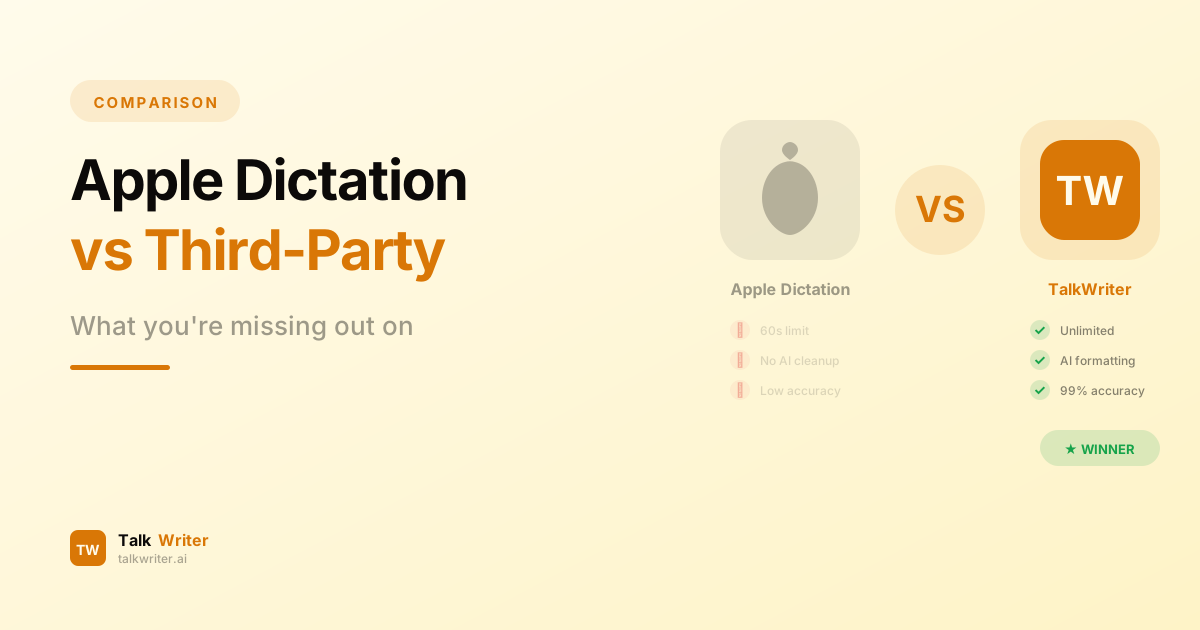
Apple Built-in Dictation vs Third-Party Apps: What You're Missing
Apple's built-in dictation is convenient, but its limitations hold you back. Discover what third-party Mac dictation apps like TalkWriter offer that Apple can't.
AI Writing Assistants vs Voice Dictation: Which Makes You Faster?
AI writing assistants and voice dictation both promise to boost your writing productivity — but they work in fundamentally different ways. Here's which one actually makes you faster.